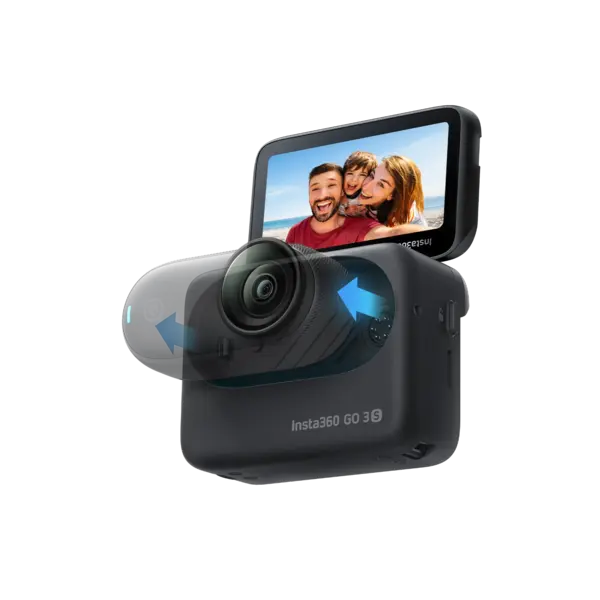
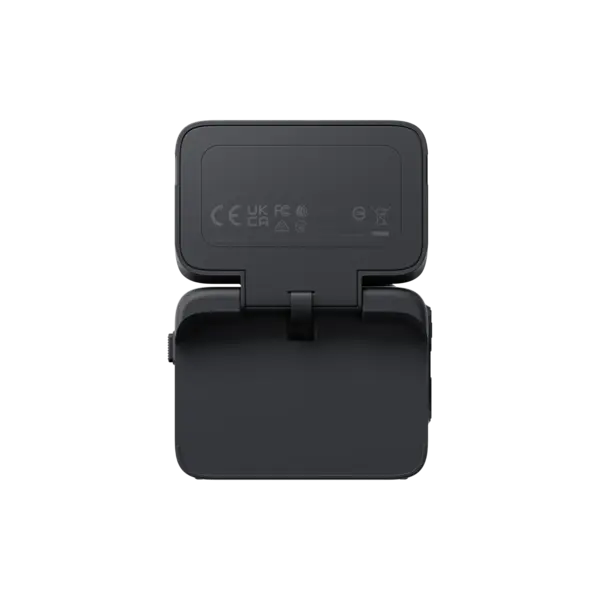
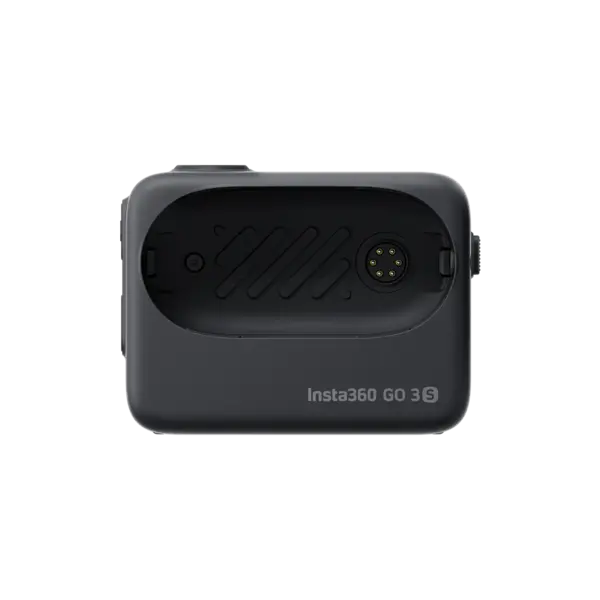
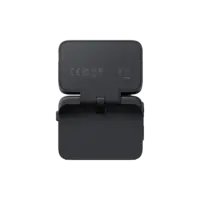
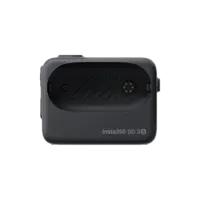
Connect the Action Pod with a GO 3/GO 3S Standalone Camera:
1. Press and hold the GO 3/GO 3S Standalone Camera Button for 2s to turn on the camera and press the Action Pod's Power Button to turn that on too.
2. Put the GO 3/GO 3S Standalone Camera into the Action Pod. When the Action Pod touchscreen displays the real-time preview of the camera, the connection is successful.
3. If a "Firmware Incompatible" popup appears on the Action Pod touchscreen, please follow the instructions to update the firmware, then it can be used normally.
Note: The GO 3S Action Pod can only be connected to one GO 3 or GO 3S Standalone Camera at a time.
Compatibility:
To access the latest features, please update the GO 3 firmware to the latest version.
Geen reviews gevonden
Recente producten
Sale
Niet op voorraad
€149,99
€114,99
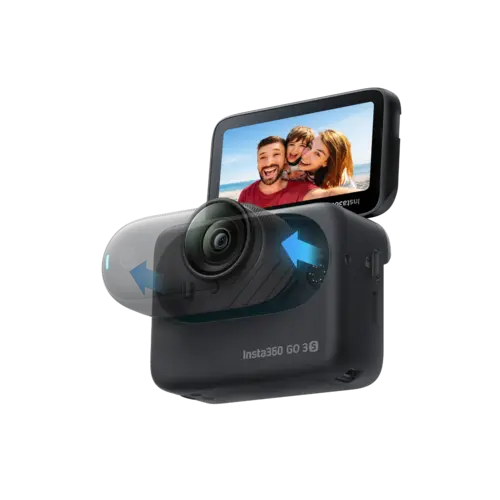
Insta360 GO 3S Action Pod - Black
€149,99
€114,99